DocLensr
DocLensr
Available on iPhone

Scan smarter.
Keep it private.

DocLensr turns your iPhone into a document scanner: automatic edge detection, multi-page scans, clean filters, privacy redaction and one-tap PDF export. No account, no cloud upload.
Download on the App Store
The app

See DocLensr in action

From the first scan to a shareable PDF β€” capture, clean up, hide what's private and export.

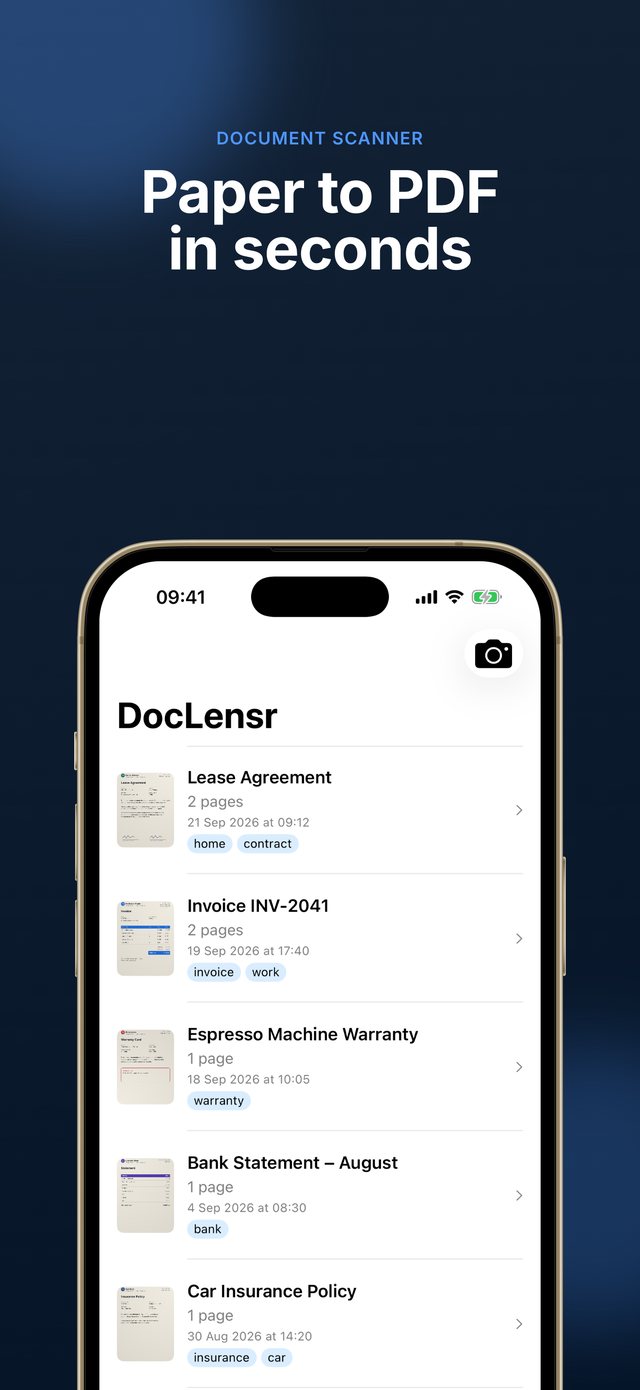
Your document library with search by title and tag
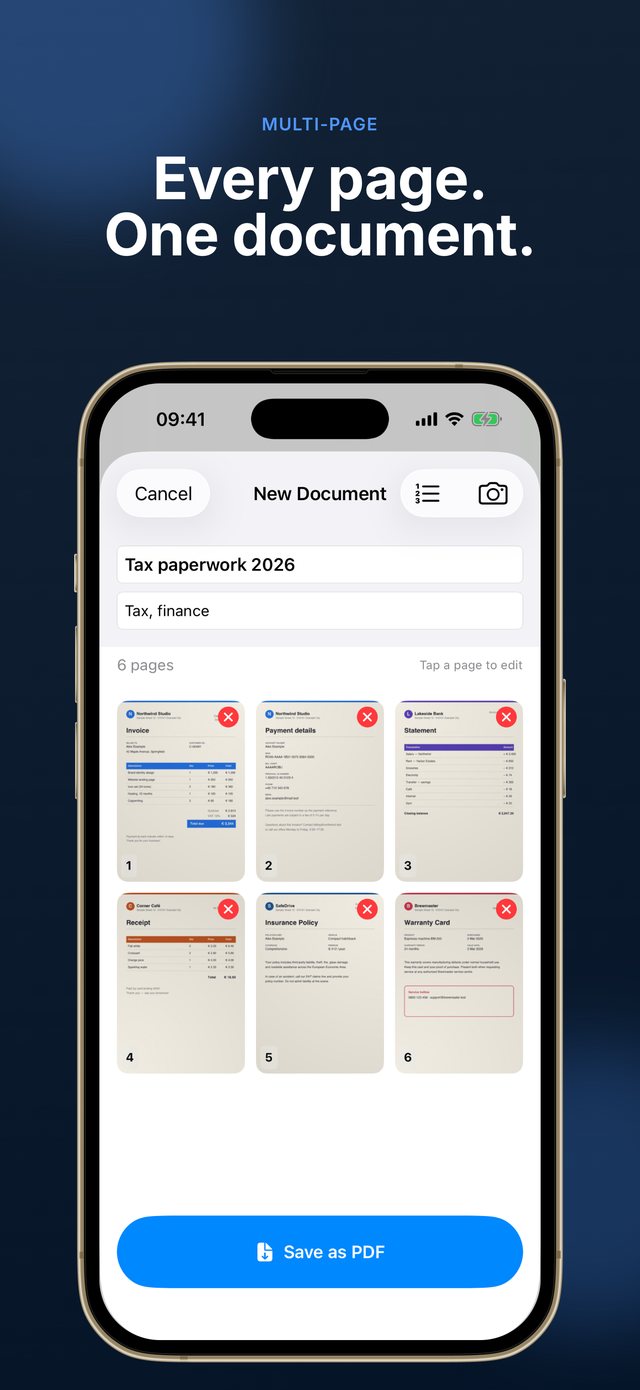
Multi-page document editor with title and tags
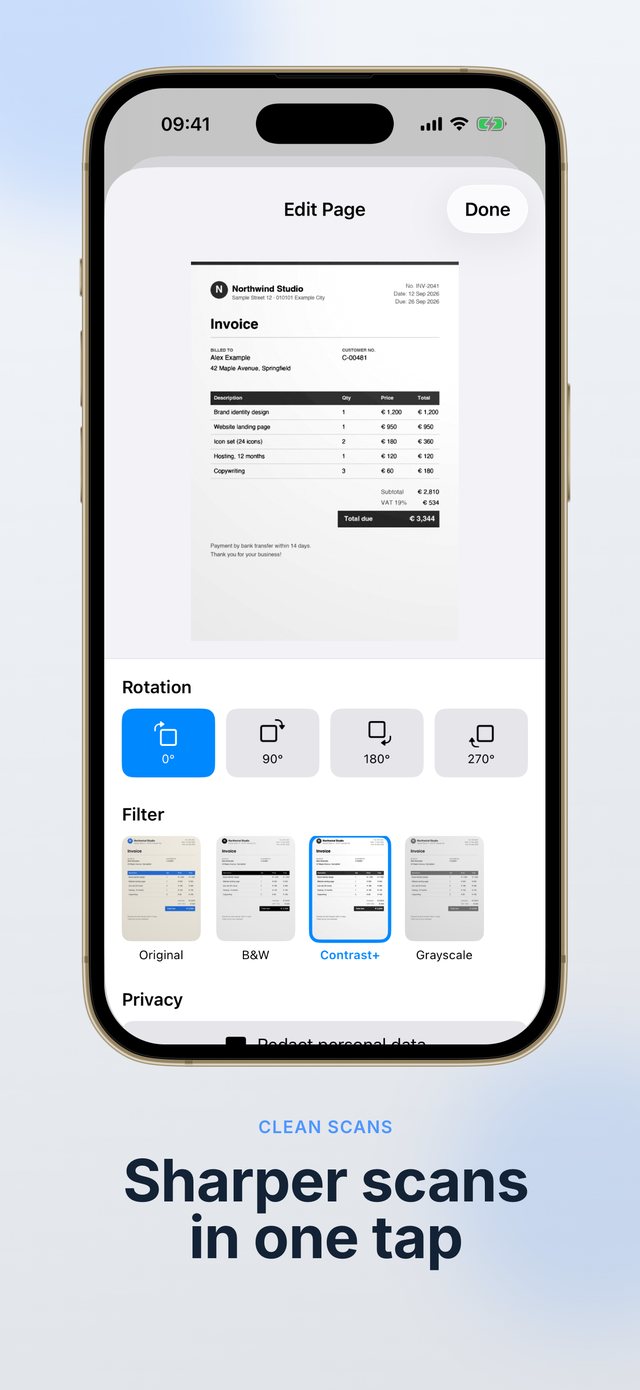
Per-page rotation and image filters
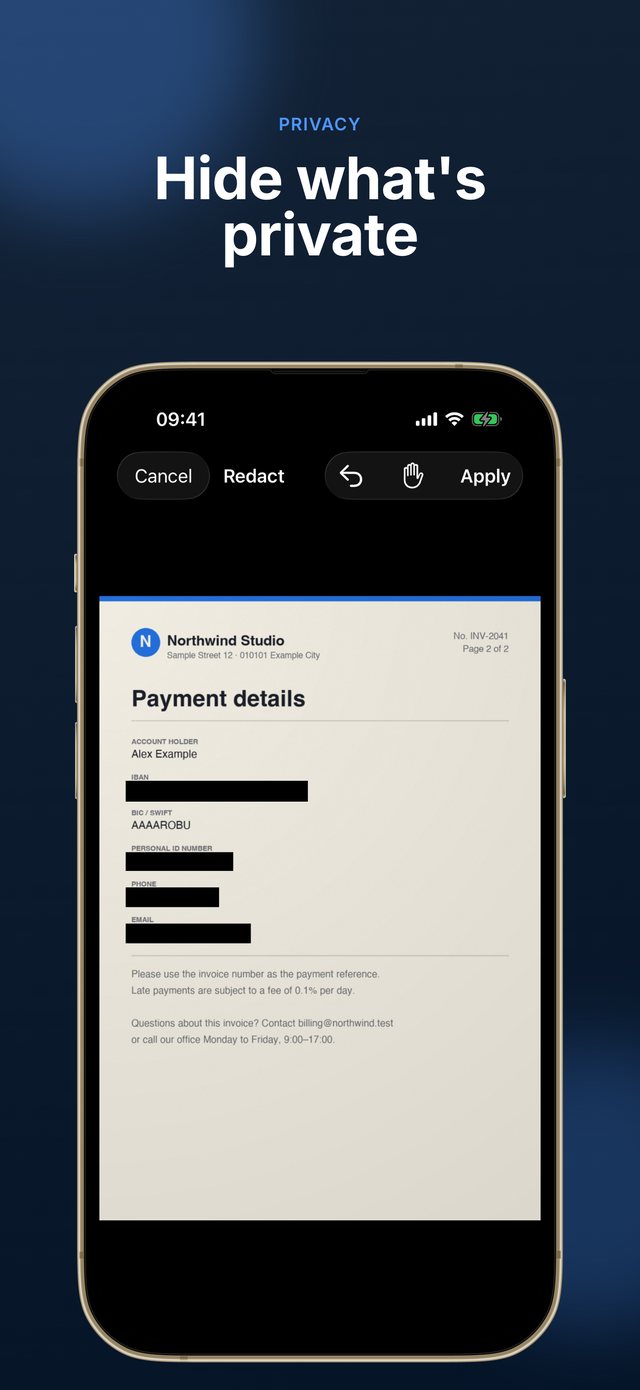
Privacy redaction tool covering sensitive details
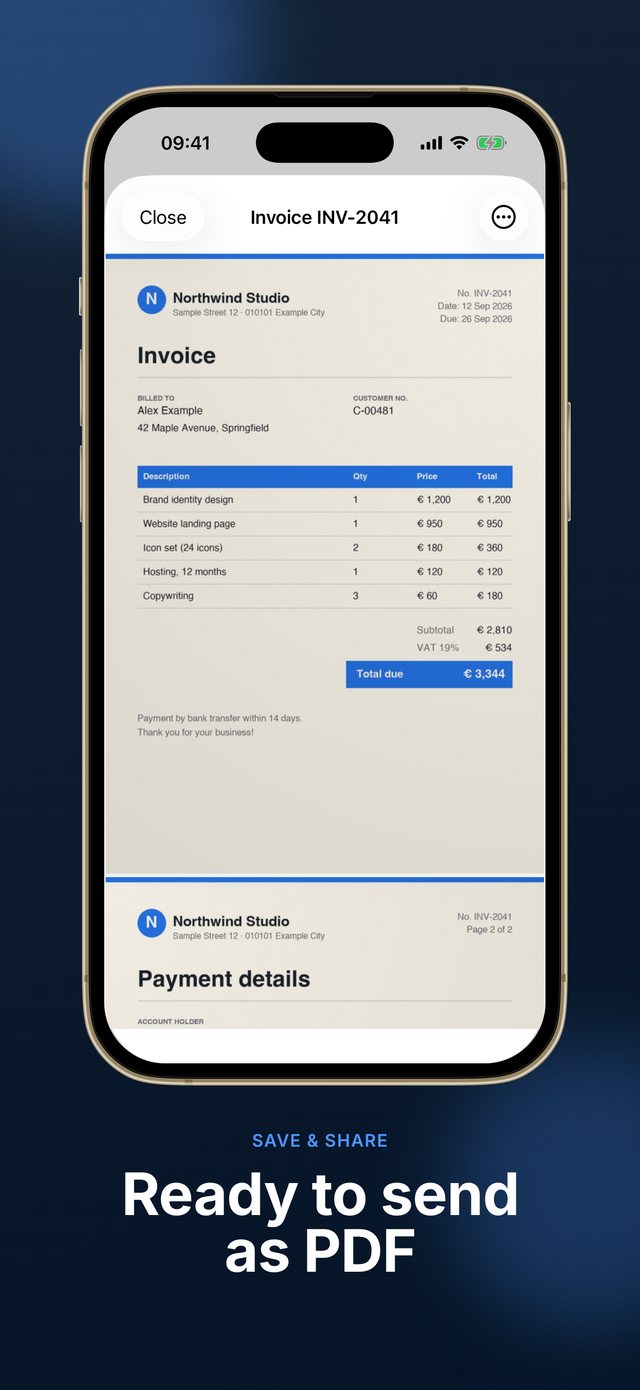
Saved document viewer with PDF sharing
Features

Everything you need to scan a document properly

A focused scanner built around the things you actually do: capture, clean up, hide sensitive details and share.

πŸ“·

Smart capture

The camera detects the document's edges in real time. Frame the page, shoot, then fine-tune the crop by dragging the four corners.

πŸ“„

Multi-page documents

Scan as many pages as you need, add forgotten ones later and drag to reorder them before saving.

🎨

Filters & rotation

Original, grayscale, enhanced or black & white β€” plus per-page rotation for pages shot sideways.

πŸ•ΆοΈ

Privacy redaction

Cover ID numbers, addresses or IBANs with black boxes before you share. Pinch to zoom for precise placement.

πŸ“€

PDF export

Export a clean PDF and share it anywhere through the iOS share sheet β€” mail, Files, messaging apps and more.

πŸ”’

Private & organized

No account and no upload: documents stay on your iPhone. Search by title or tag, rename anytime, and resume unfinished scans from a draft.

100%
On-device processing
0
Accounts required
4
Image filters
PDF
One-tap export
How it works

From paper to PDF in four steps

Simple, direct and fast.

1

Scan

Point the camera at the page. Edges are detected automatically.

2

Adjust

Crop, rotate and pick a filter for every page.

3

Redact

Hide sensitive details with black boxes before sharing.

4

Save & share

Save to your library and export a PDF.

DocLensr Pro

Try it free, save with Pro

Scan, crop, filter and redact for free. Saving your documents requires DocLensr Pro.

Free
0
Try the full editing experience
  • Camera with automatic edge detection
  • Crop, rotate and filters
  • Privacy redaction tool
  • Multi-page scanning
Download on the App Store
From the blog

Guides for cleaner, safer scans

Practical tips on scanning, multi-page PDFs and keeping sensitive documents private.

How-to

How to scan a document with your iPhone (step by step)

Framing, cropping, filters and saving a clean PDF, step by step.

Multi-page

How to scan multiple pages into one PDF on iPhone

Capture pages in order, reorder, add forgotten ones and share one file.

Privacy

How to black out sensitive information before sharing a scan

Why covering text isn't always enough, and how to redact safely.

See all articles β†’

Your documents.
Your iPhone. Nobody else.

Scan, clean up and share documents without giving up your privacy.

Download on the App Store

Questions? Get in touch

Send us a message and we'll get back to you as soon as possible.

madalin@istack.ro