DocLensr turns your iPhone into a document scanner: automatic edge detection, multi-page scans, clean filters, privacy redaction and one-tap PDF export. No account, no cloud upload.
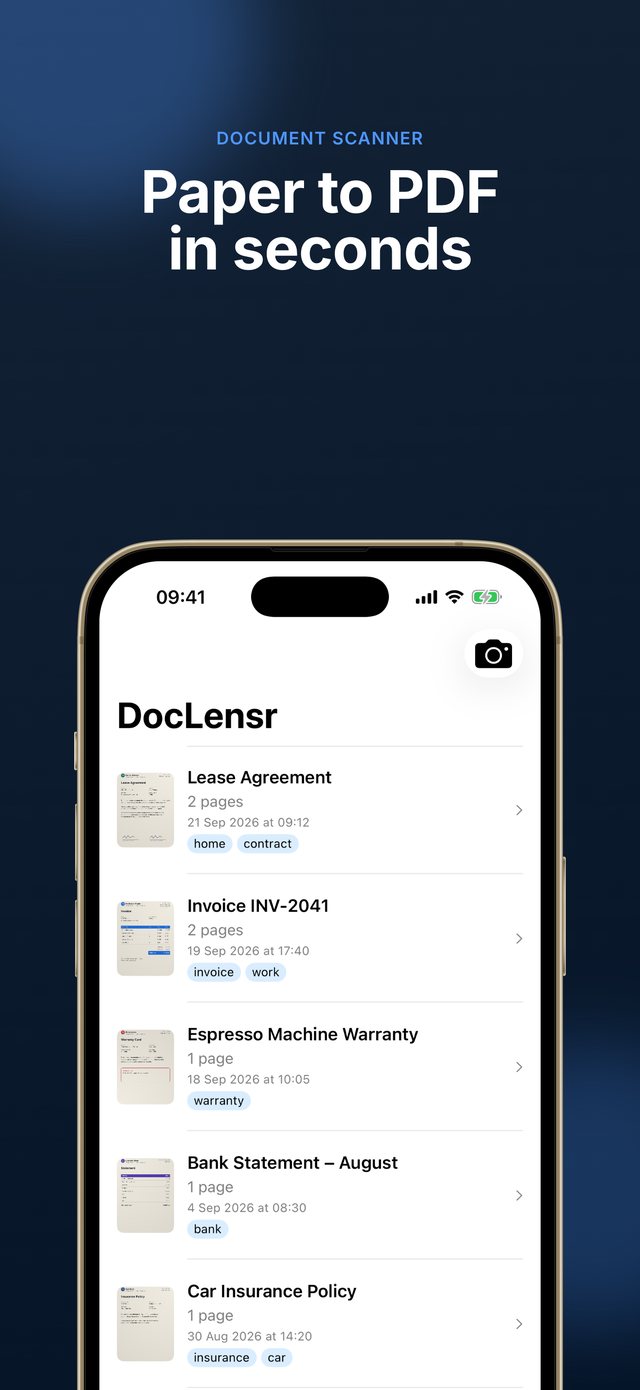
From the first scan to a shareable PDF β capture, clean up, hide what's private and export.


A focused scanner built around the things you actually do: capture, clean up, hide sensitive details and share.
The camera detects the document's edges in real time. Frame the page, shoot, then fine-tune the crop by dragging the four corners.
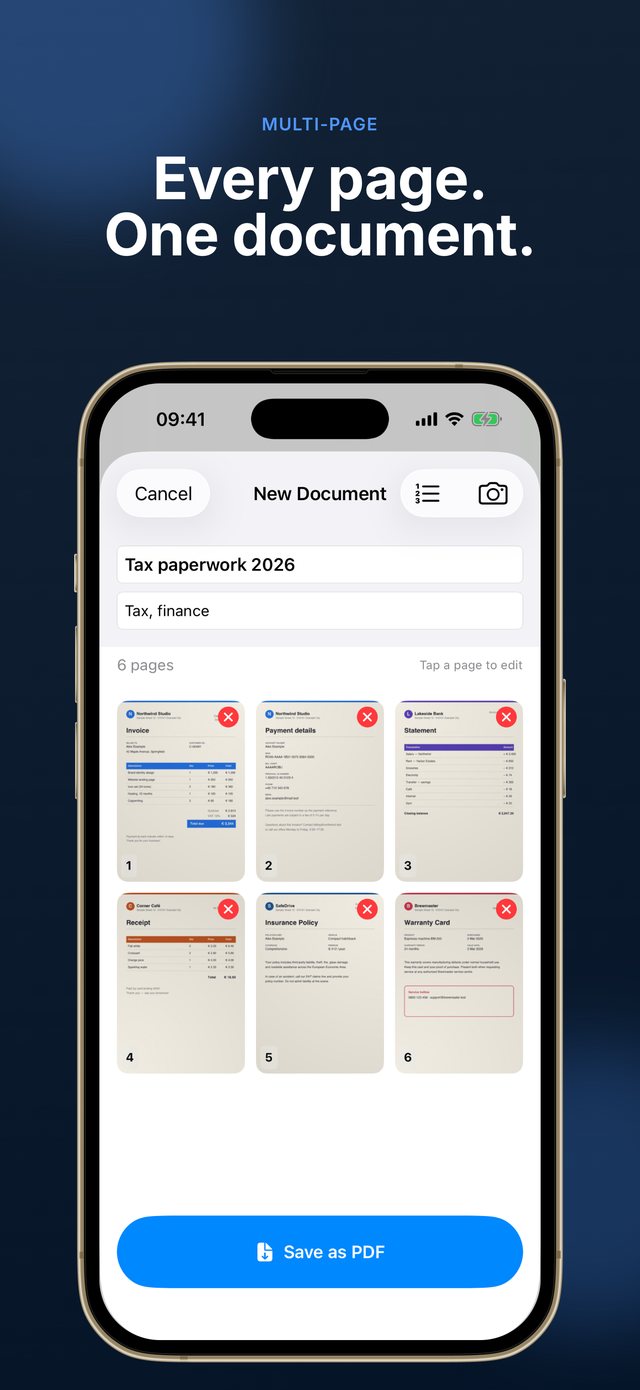
Scan as many pages as you need, add forgotten ones later and drag to reorder them before saving.
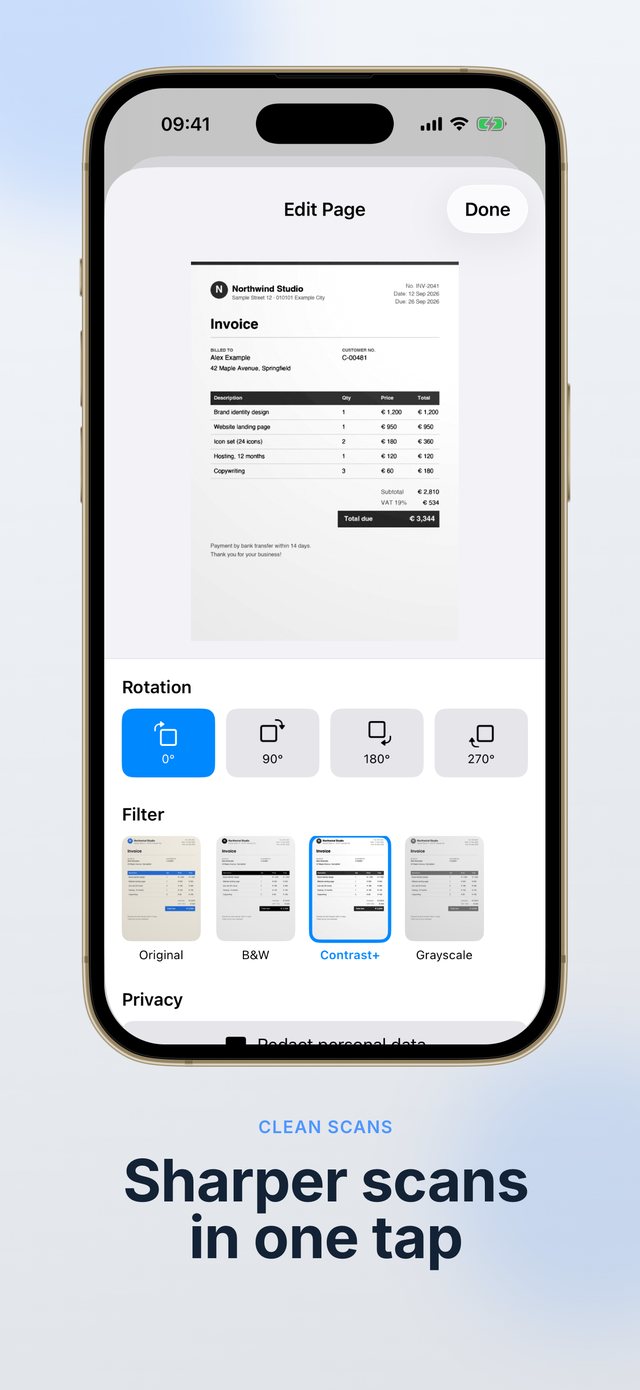
Original, grayscale, enhanced or black & white β plus per-page rotation for pages shot sideways.
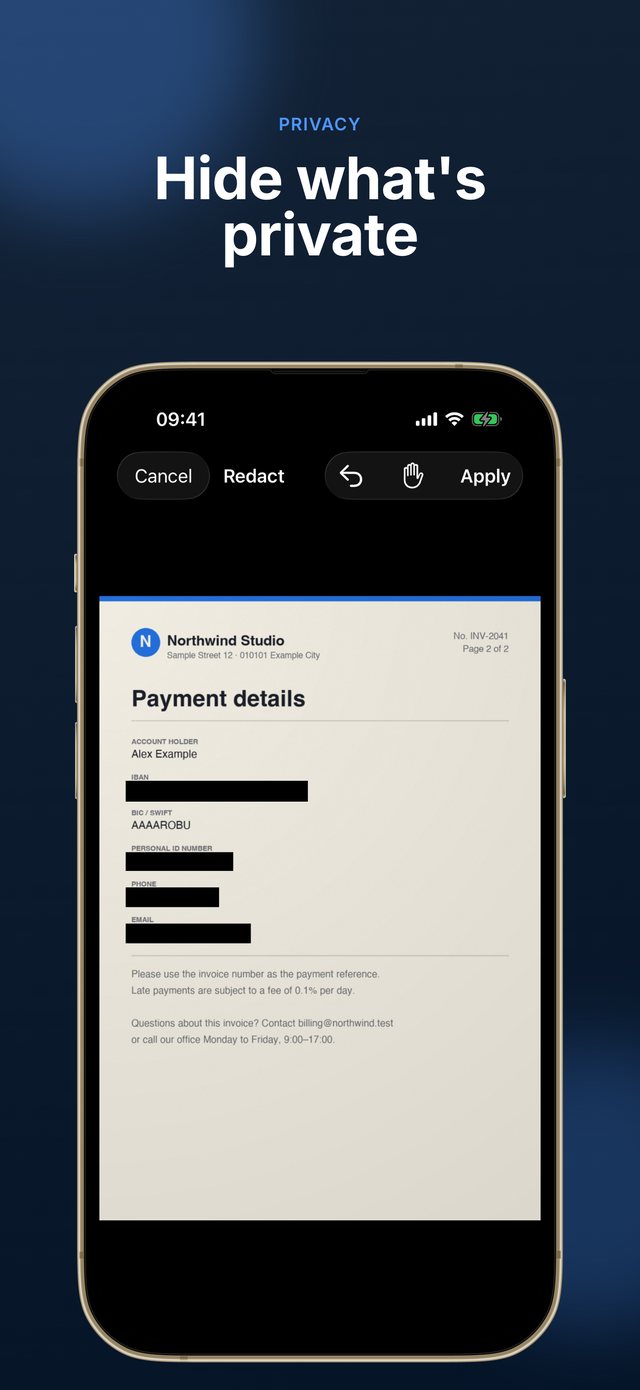
Cover ID numbers, addresses or IBANs with black boxes before you share. Pinch to zoom for precise placement.
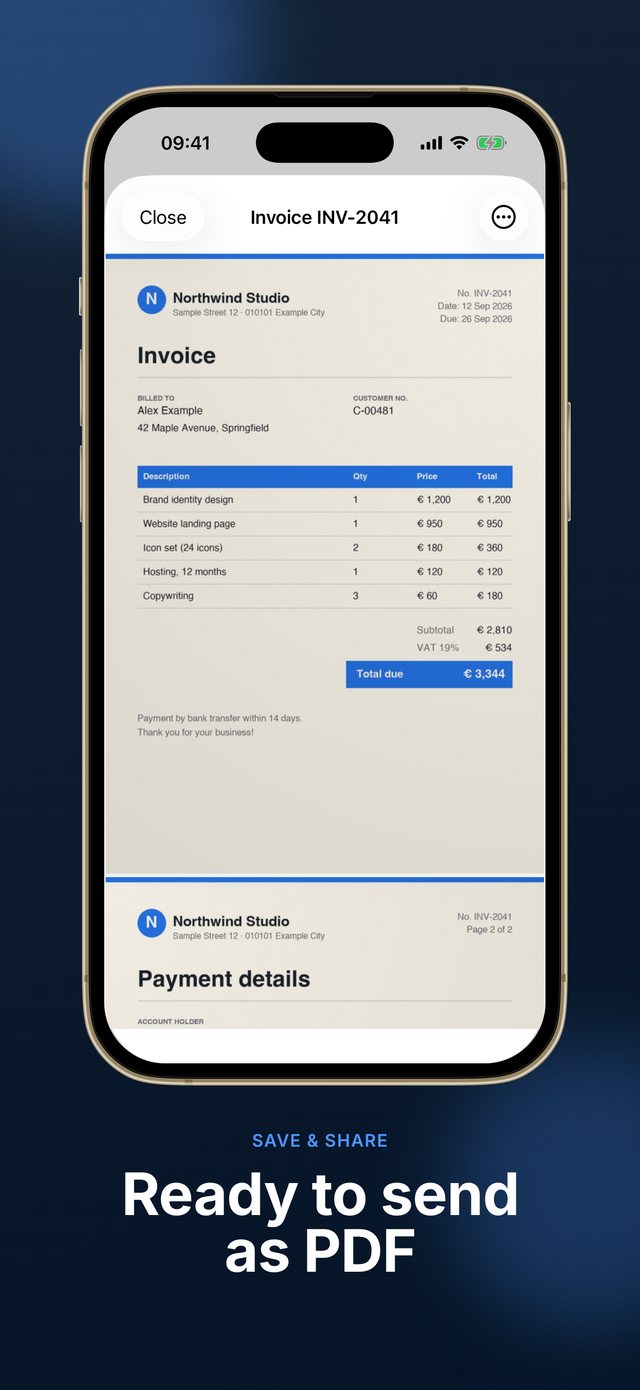
Export a clean PDF and share it anywhere through the iOS share sheet β mail, Files, messaging apps and more.
No account and no upload: documents stay on your iPhone. Search by title or tag, rename anytime, and resume unfinished scans from a draft.
Simple, direct and fast.
Point the camera at the page. Edges are detected automatically.
Crop, rotate and pick a filter for every page.
Hide sensitive details with black boxes before sharing.
Save to your library and export a PDF.
Scan, crop, filter and redact for free. Saving your documents requires DocLensr Pro.
Prices are shown in the app in your local currency. Monthly and annual plans renew automatically until cancelled; Lifetime is a one-time purchase.
By subscribing you agree to our Terms and Privacy Policy. Subscriptions can be managed or cancelled anytime in Settings β Apple ID β Subscriptions.
Scan, clean up and share documents without giving up your privacy.
Download on the App StoreSend us a message and we'll get back to you as soon as possible.